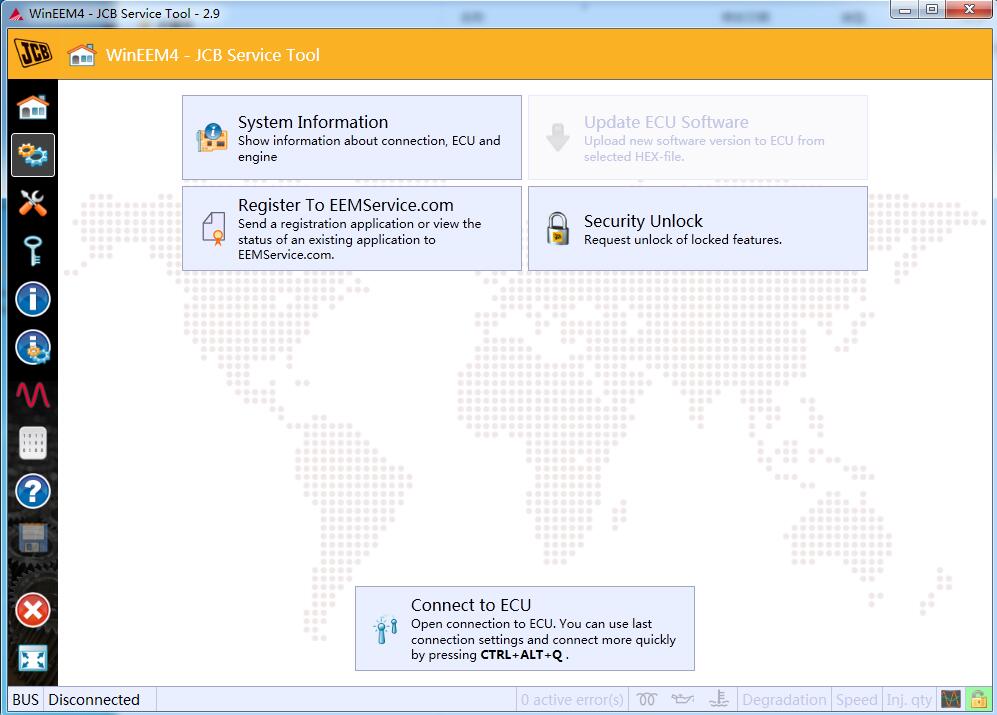
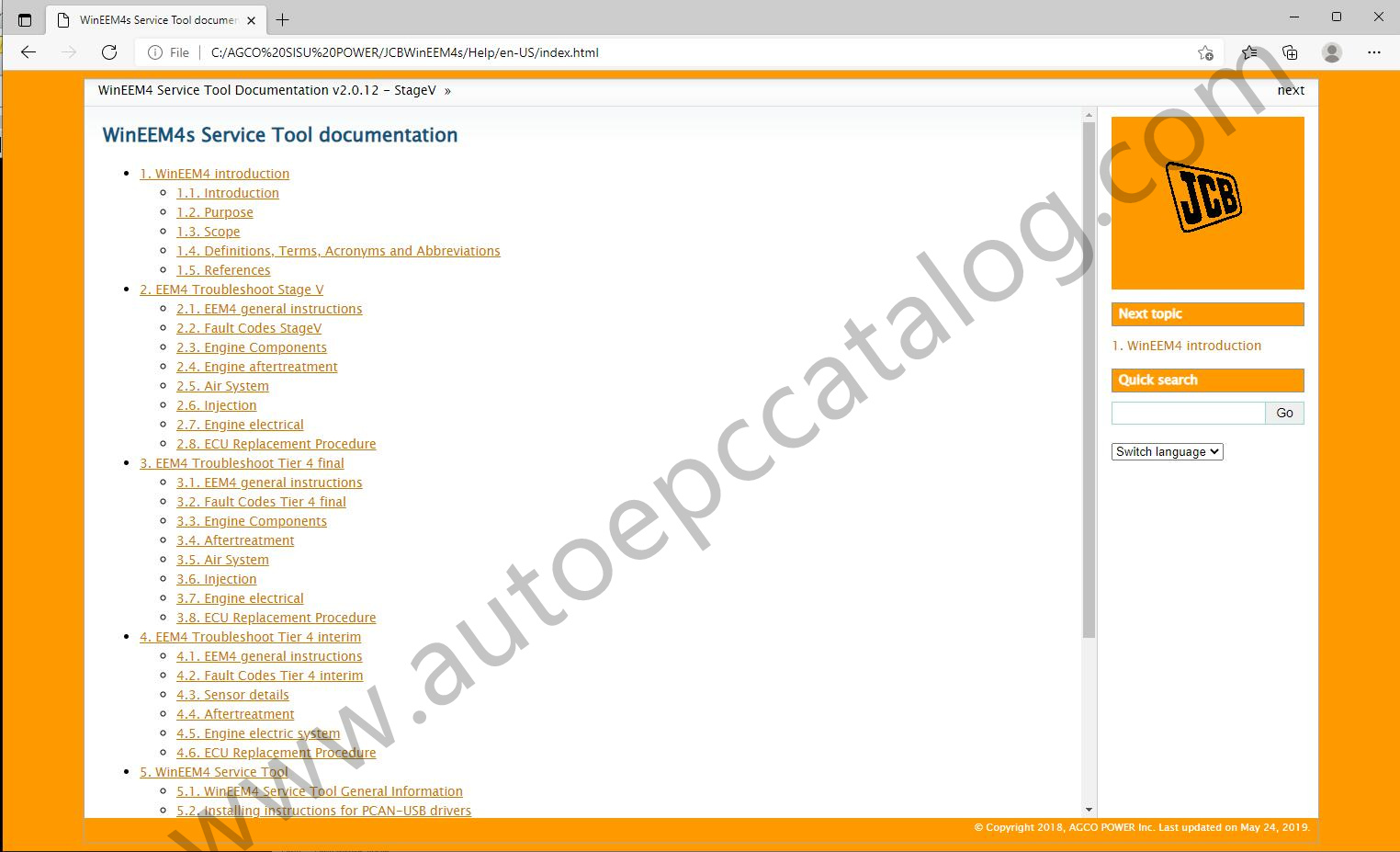
Description
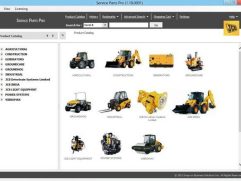
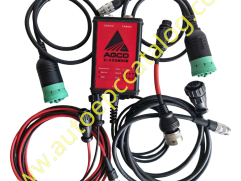
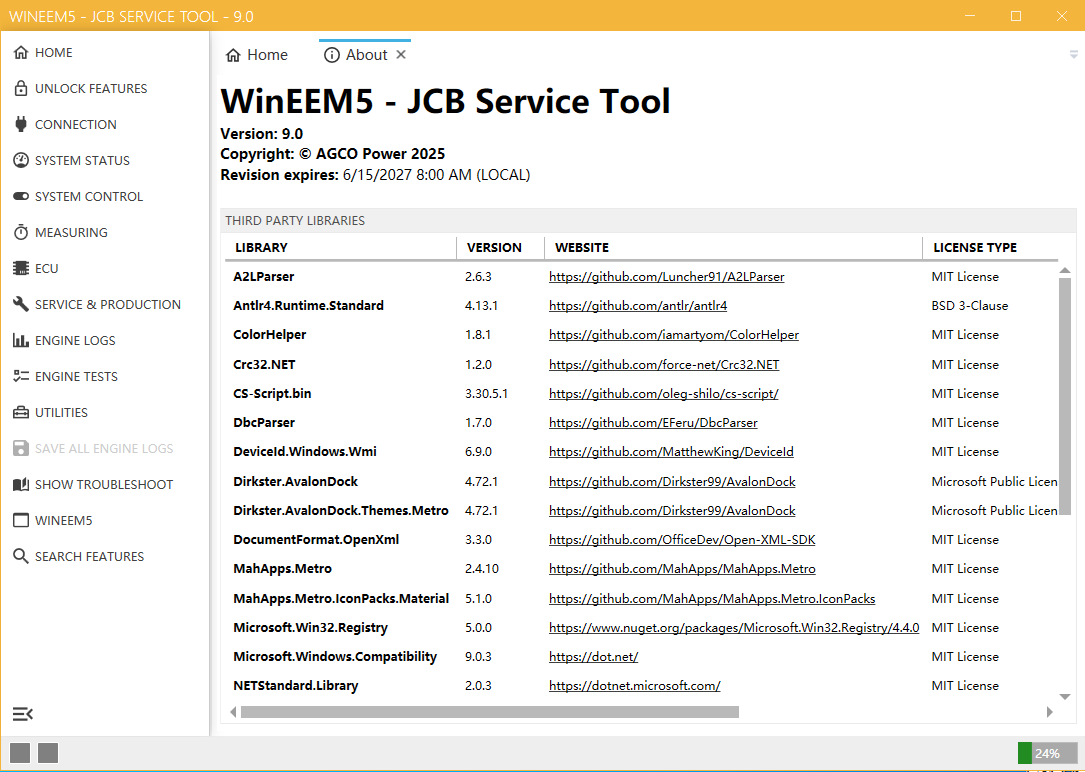
JCB WinEEM5 WinEEM4 JCB Service Tool 9.0 2.9.0 is the troubleshoot information for the AGCO POWER EEM4 Electronic Engine Management system. The provided fault descriptions include information on the possible causes for the fault, on the influence on the engine operation and instructions to resolve the problem.
The system reports detected faults by fault codes. These fault codes can be read over the CAN bus from the EEM4 controller using a WinEEM Service Tool. The fault codes may also be transmitted over the CAN bus to a vehicle’s instrument panel. Alternatively, the fault codes can be shown using blink codes on a diagnostic lamp.
Note:After payment,please contact us (autoepccatalog@outlook.com) or Whatsapp.
WinEEM5 9.0 and WinEEM4s JCB Service Tool Features:
Size:132MB
Date:2022
Version:2.9.0 and 9.0
Region:All region
Languages:English
OS:Win 7,Win 8 and Win 10
Price only for ONE PC Installation and activation
WinEEM5 9.0 and WinEEM4s JCB Service Tool Functions:
Service operation
ECU activation
Diagnostic
Engine test
Oscilloscope
CAN message tracer
…
WinEEM4s JCB Service Tool Support ECU Models:
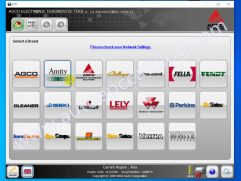
EEM2,EEM3,EEM4…
WinEEM5 9.0
9.0
New measurable signals
Changes to value rounding/formatting in engine logs
Application memory usage status (32-bit only)
Numeric view range setting (in seconds) in oscilloscope and recording viewer
Option for recording all or measured signals in oscilloscope and recording viewer
Optional description for recording in oscilloscope and recording viewer
Preconditions for ECU activation
Min and max temperature shown in DPF regeneration view
Remaining time to DPF ash service shown in Service information view
Improved failure tolerance related to CAN/UDS communication and flashing
Fixes related to incorrectly formatted progress messages in msi installer
Fixes related to saving engine test results
Adjustments to engine tests (names, descriptions, viewed signals etc.)
‘Reset ECU’ renamed as ‘Restart ECU’
Minor changes to fuel injector calibration
Updates to fault descriptions
Updates to fault troubleshoot
Performance improvements
Usability improvements
Memory usage optimizations