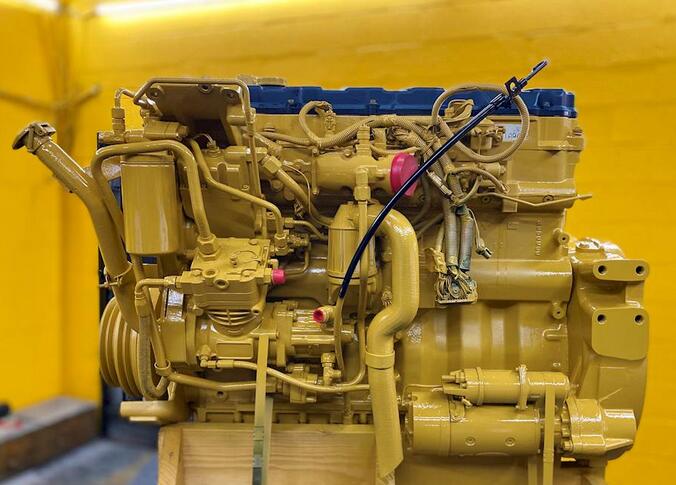
Caterpillar ET 2025A Test ECM Mode transforms an ECM into a Test ECM for diagnostic purposes.Here is a instruction show you guide on how to use CAT ET 2025A test ECM mode.
Note: After activating Test ECM Mode, the ECM will remain in Test ECM Mode for 24 engine hours unless deactivated. If a longer diagnostic test is required, then the Test ECM Mode will have to be reactivated before the 24-hour period expires.
Related Contents:
Caterpillar 18 digits factory password calculator
Accessing
To place an ECM into ECM Test Mode, select “ECM Mode” from the Service menu.
Screen Layout
The Test ECM Mode screen consists of the Time Area, The Status Line, and the Instruction Area:
Time Area
The Time Area occupies the top of the Test ECM Mode screen and it displays the time remaining in Test ECM Mode. When the time remaining reaches 1 hour, the service tool enlarges the display of the Time Area and displays the following message on the Status Line: “Less than 1 hour of test ECM time remaining.”
Status Line
The Status Line occupies the center of the Test ECM Mode screen. It displays whether the ECM is Active, Not Active, or Reactivating. If Test ECM Mode is to continue beyond the 24 engine hour period, the ECM must be reactivated.
Instruction Area
The Instruction Area occupies the lower portion of the Test ECM Mode screen. It displays instructions, constraints, and usage tips for the Test ECM Mode.
Buttons
The following buttons are available on the Test ECM Mode screen:
Activate/Reactivate – Select the Activate button to begin Test ECM mode. While Test ECM Mode is active, the Activate button changes to the Reactivate button, which will allow the ECM to remain in Test ECM Mode beyond the default 24 engine-hour time limit.
Note: An ECM cannot be activated if the ECM has expired from test mode (the engine serial number has been permanently programmed into the ECM) or if engine or vehicle speeds are present.
Terminate-Select this button to bring the ECM out of Test ECM Mode and back to its standard operating mode.

