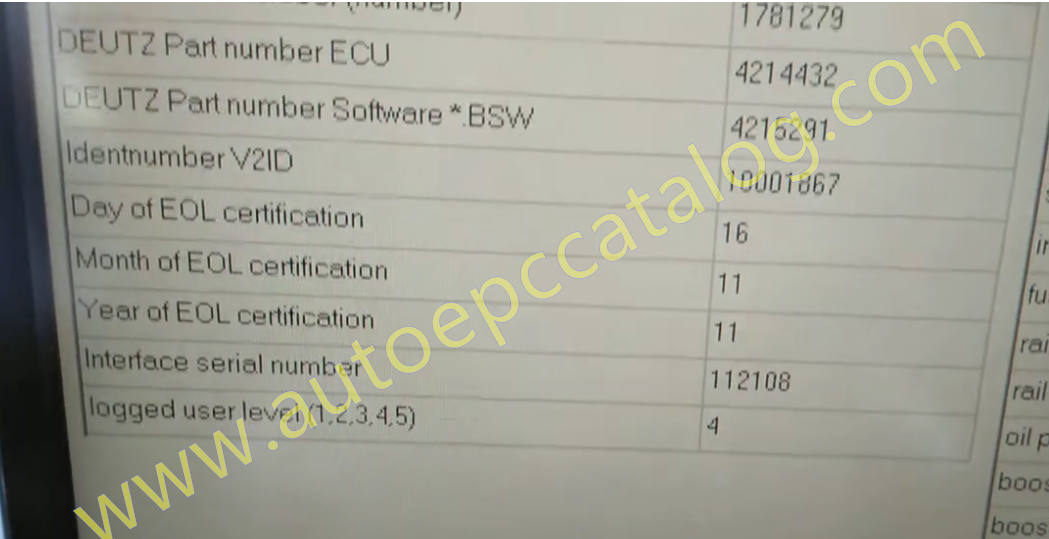
This instruction show a guide on how to use HSlight II work with Serdia2000 to delete trouble code for Deutz TCD ECU 4214432 v08 engine 2015.
What you need?
Deutz HSlight II Diagnostic Kit with Serdia2000
Steps:
Connect HSlight II diagnostic kit on your Deutz machine,then run Serdia2000 software to do communication between Serdia2000 and engine.
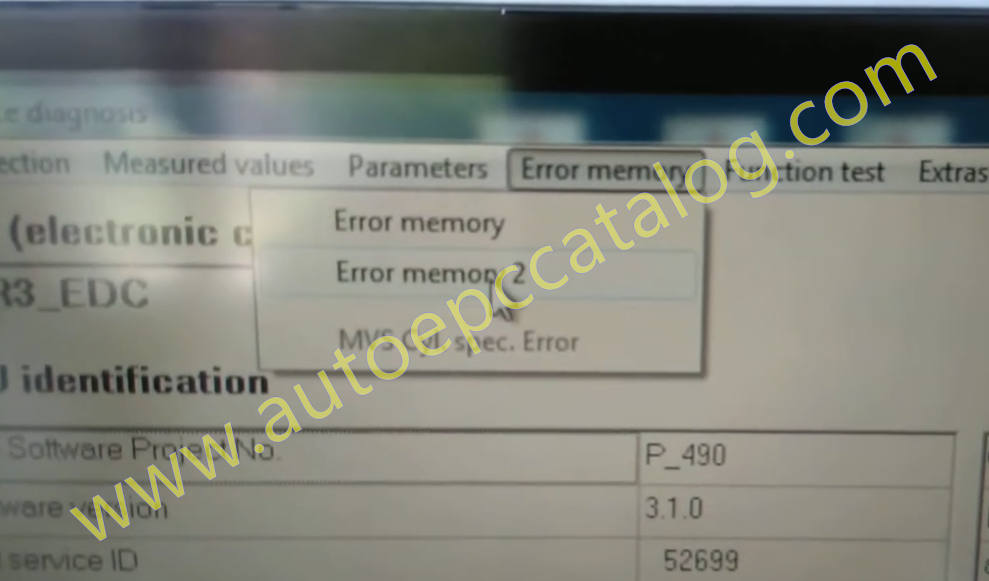
Click “Error memory”–>”Error Memory 2” from menu bar
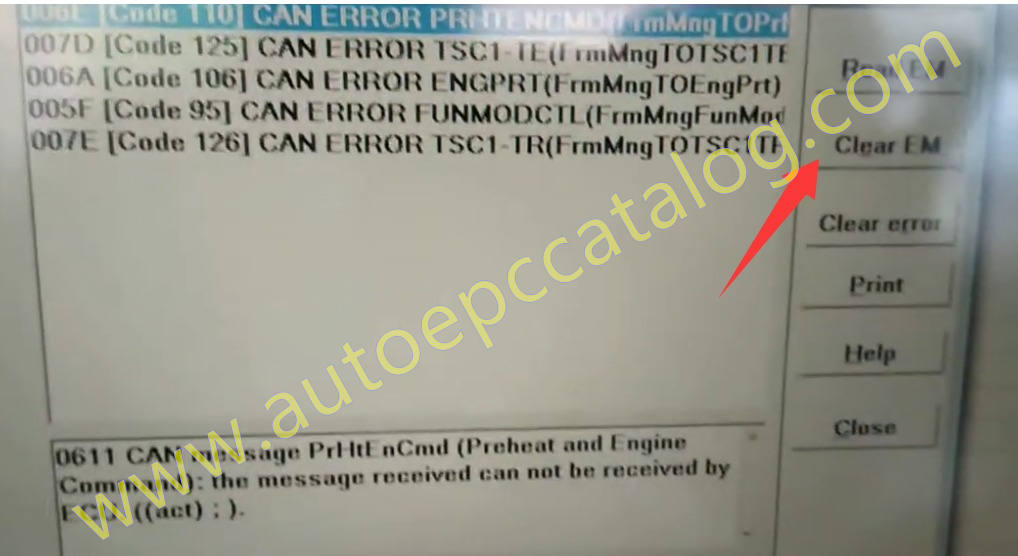
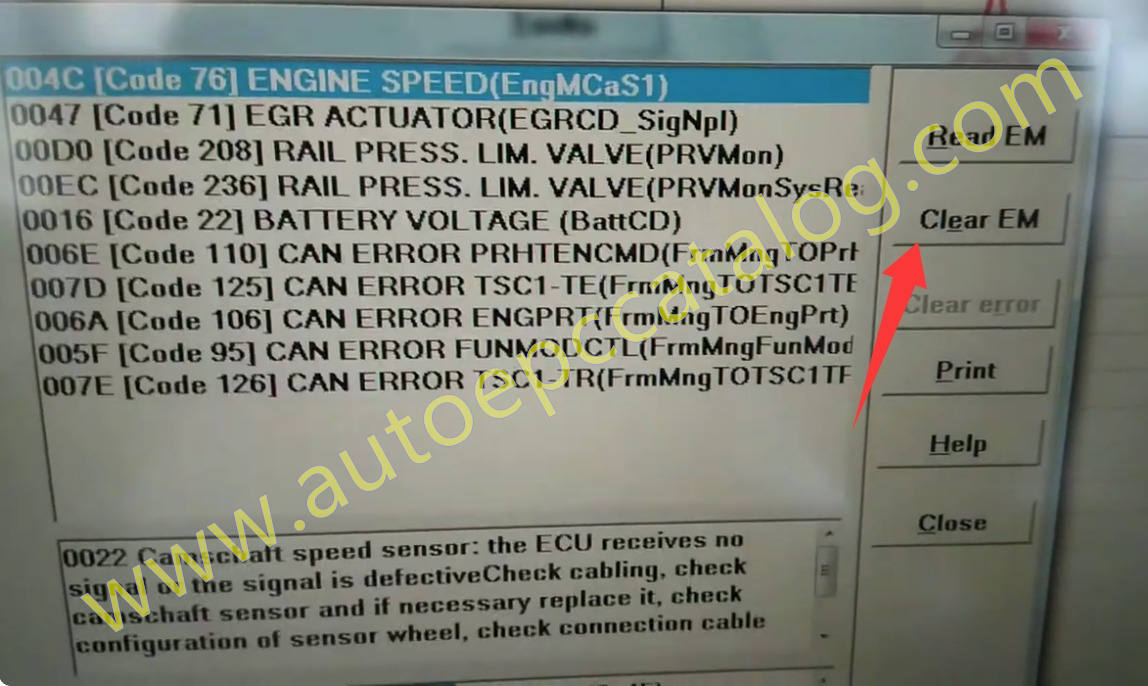
It will show you active error code as below picture
Click “Clear ECM”
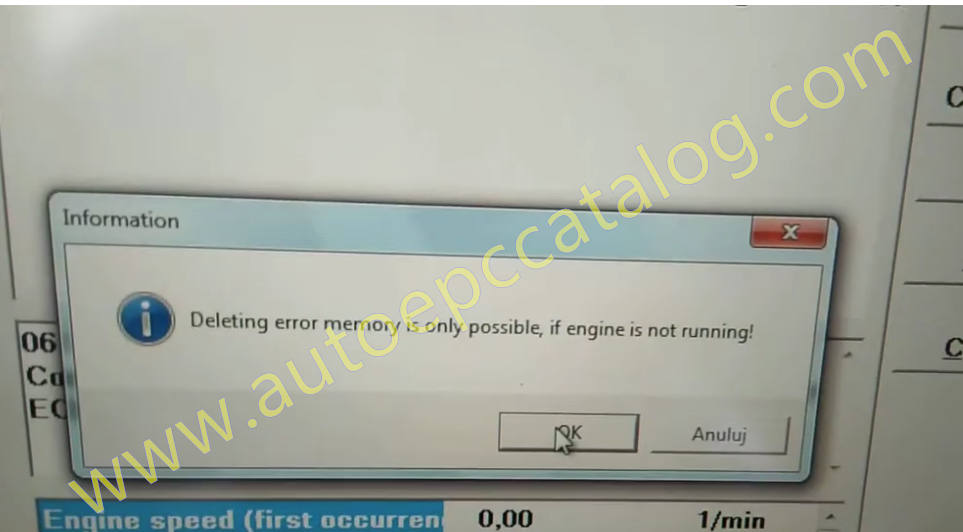
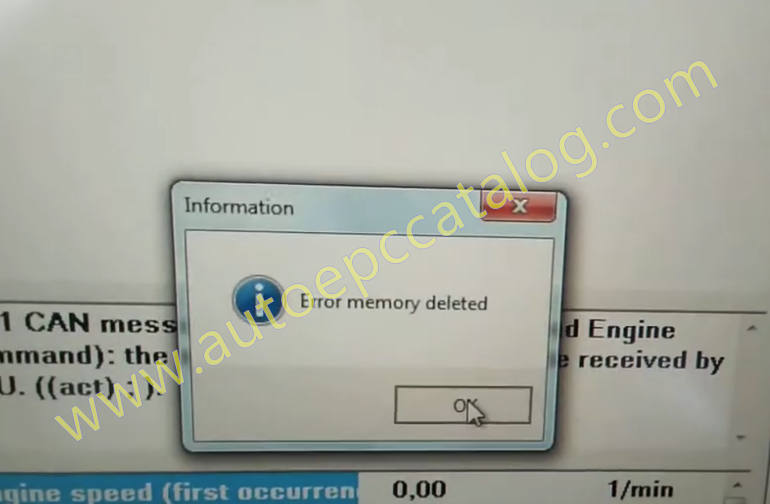
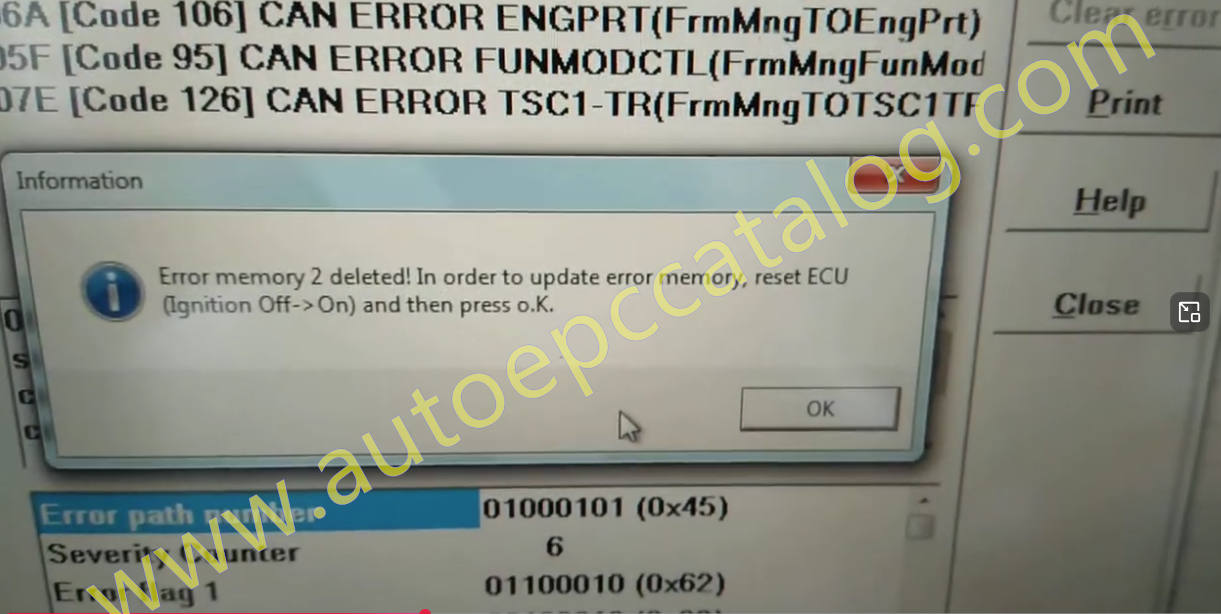
Follow below guide to do it
Error memory 2 deleted!In order to update error memory,reset ECU (Ignition Off–>On) and then press OK.
After communication reconnection,click “Error memory”–>”Error Memory” from menu bar
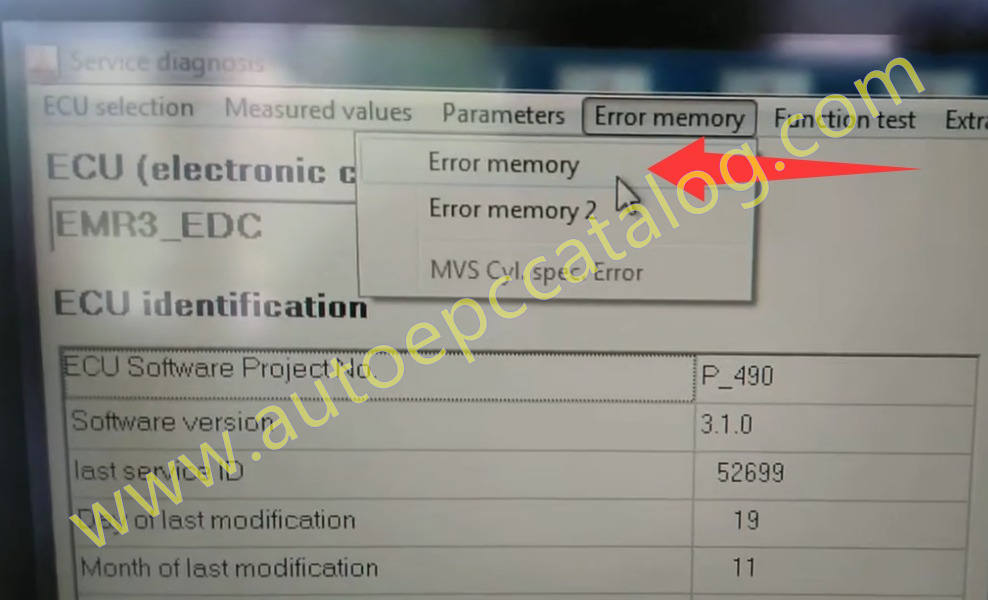
Then just do same operation